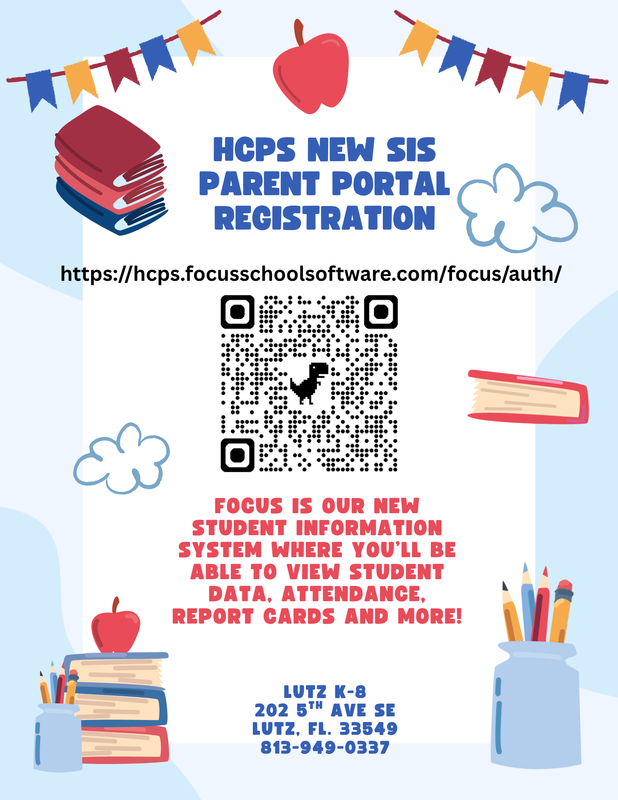
Follow the steps below to create a NEW Focus Parent Portal account.
1. Access the Focus Parent Portal Registration by going to: https://hcps.focusschoolsoftware.com/focus/auth/index.php
2. Select the option: "I DO NOT have an "Account Registered on the Parent Portal."
3. Register using a valid name and email address. Your email and created password will be your login information.
4. Select "I would like to APPLY FOR ENROLLMENT for a new child.” You will be prompted to enter the student’s full name and birth date as it appears on the birth certificate.
5. Click “Submit.”
6. You will be taken to the first page of the application.
Page 1: Registration Directions and Information
Page 2: McKinney-Vento Registration
Page 3: Student Information
Page 4: Student Addresses and Contacts
Page 5: Verification Documents
Page 6: Previous Residence/School Information
Page 7: Additional Information
Page 8: McKinney-Vento Eligibility Assessment
Page 9: Medicaid Consent
Page 10: Registration Submission
7. After you hit “Submit,” you still need to visit the school in person to complete the enrollment process.
~~~~~~~~~~~~~~~~~~~~~~~~~~~~~~~~~~~~~~~~~~~~~~~~
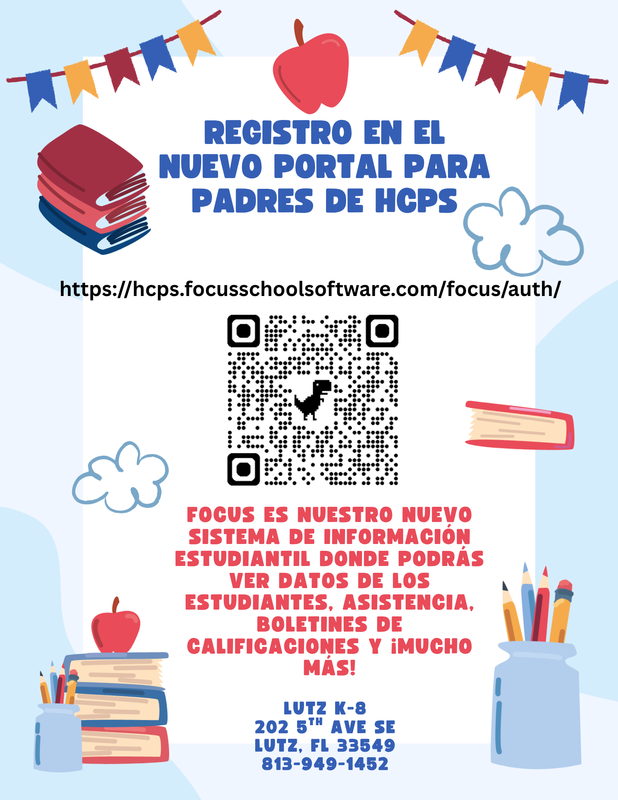
Siga los pasos a continuación para crear una NUEVA cuenta en el Portal para padres de Focus.
1. Acceda al registro del Portal para padres de Focus visitando:
https://hcps.focusschoolsoftware.com/focus/auth/index.php
2. Seleccione la opción: “NO tengo una Cuenta Registrada en el Portal de Padres”.
3. Regístrese con un nombre y correo electrónico válidos. Su correo electrónico y la contraseña creada serán sus datos de inicio de sesión.
4. Seleccione "Quiero solicitar la inscripción de un nuevo hijo". Se le pedirá que ingrese el nombre completo y la fecha de nacimiento del estudiante, tal como aparece en el certificado de nacimiento.
5. Haga clic en “Enviar”.
6. Será llevado a la primera página de la solicitud.
Página 1: Instrucciones e información de registro
Página 2: Registro McKinney-Vento
Página 3: Información del estudiante
Página 4: Direcciones y contactos de los estudiantes
Página 5: Documentos de verificación
Página 6: Información sobre residencia/escuela anterior
Página 7: Información adicional
Página 8: Evaluación de elegibilidad de McKinney-Vento
Página 9: Consentimiento de Medicaid
Página 10: Presentación de la inscripción
7. Después de hacer clic en “Enviar”, aún deberá visitar la escuela en persona para completar el proceso de inscripción.