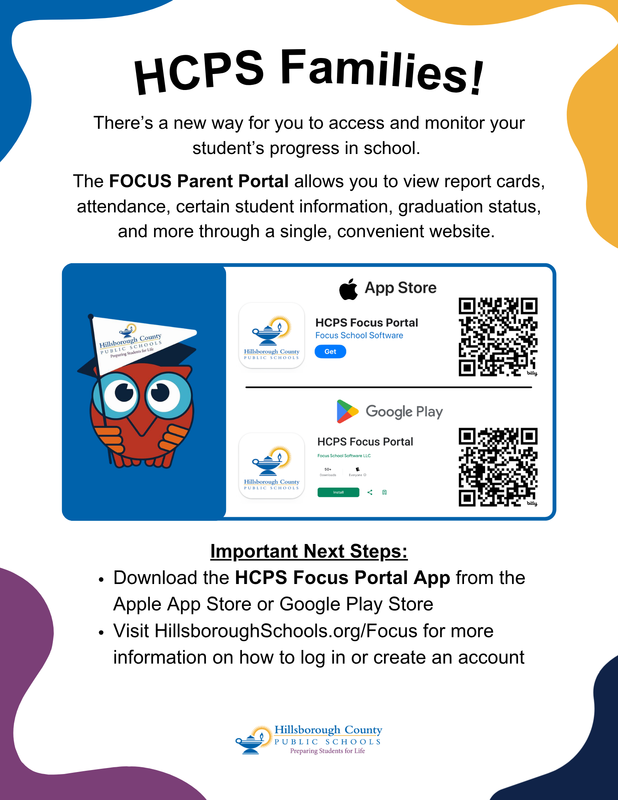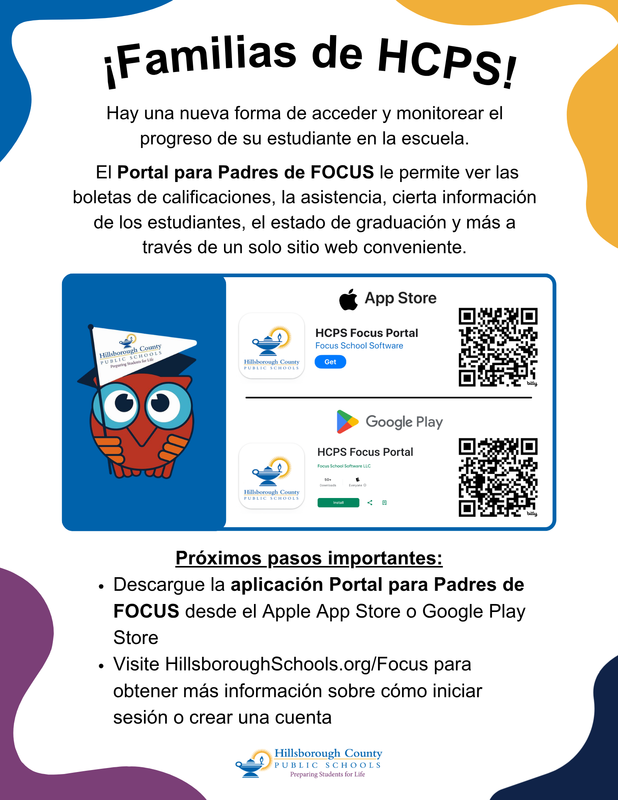
HCPS families can view their students’ report cards online through the Focus Parent Portal or the Focus mobile app.
On a computer or desktop:
Visit https://hcps.focusschoolsoftware.com/focus/ and log in to your account. Click the “Summary” tab at the top of the page, located under your student’s name, student ID number, and photo. Scroll to the bottom of the page and select “Reports” to view and download your student’s report card.
On the Focus mobile app:
Download the Focus app from the Apple App Store or Google Play Store if you do not already have it installed. Once logged in, tap the blue “More Info” button in the top-right corner under your student’s name. Then select the “Reports” tab to access your student’s report card.